
When you want a more granular or flexible view of your stories and their analytics, try a custom report.
-
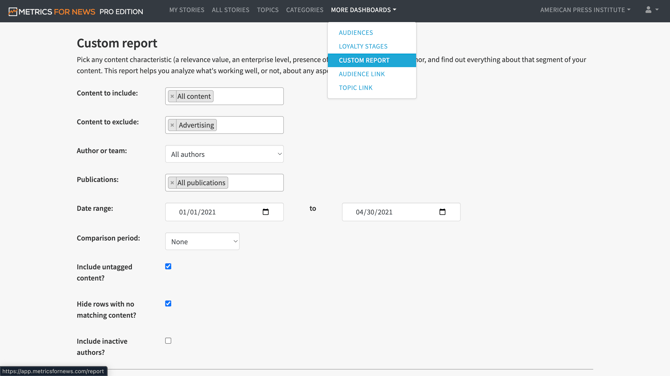
Click the "More Dashboards" menu option along the top of the page, then select "Custom Reports".
-
Set the filters and publish date range at the top of the page.
-
Scroll down further to select the metrics.
-
Click "Run Report".
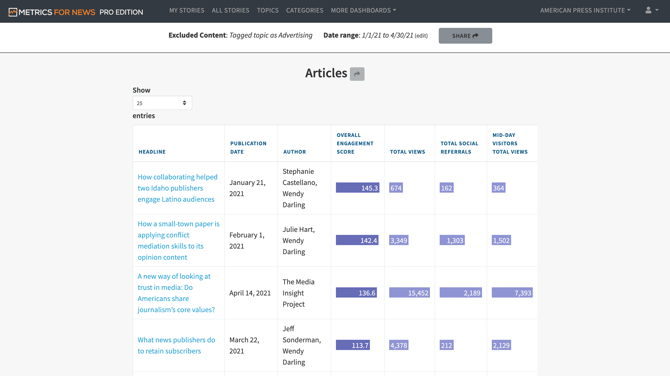
- In the resulting report, you are shown tables displaying breakdowns of stories by different qualities of your journalism.
- Tip: Click "Share" to copy a link to send to your team or to export a copy of the report.
More tips: Make the most of custom reports
Next: Recommendations for your next steps as a new user (5/5)